ScrobbleDock
In developmentRockbox sync and live ratings for ListenBrainz
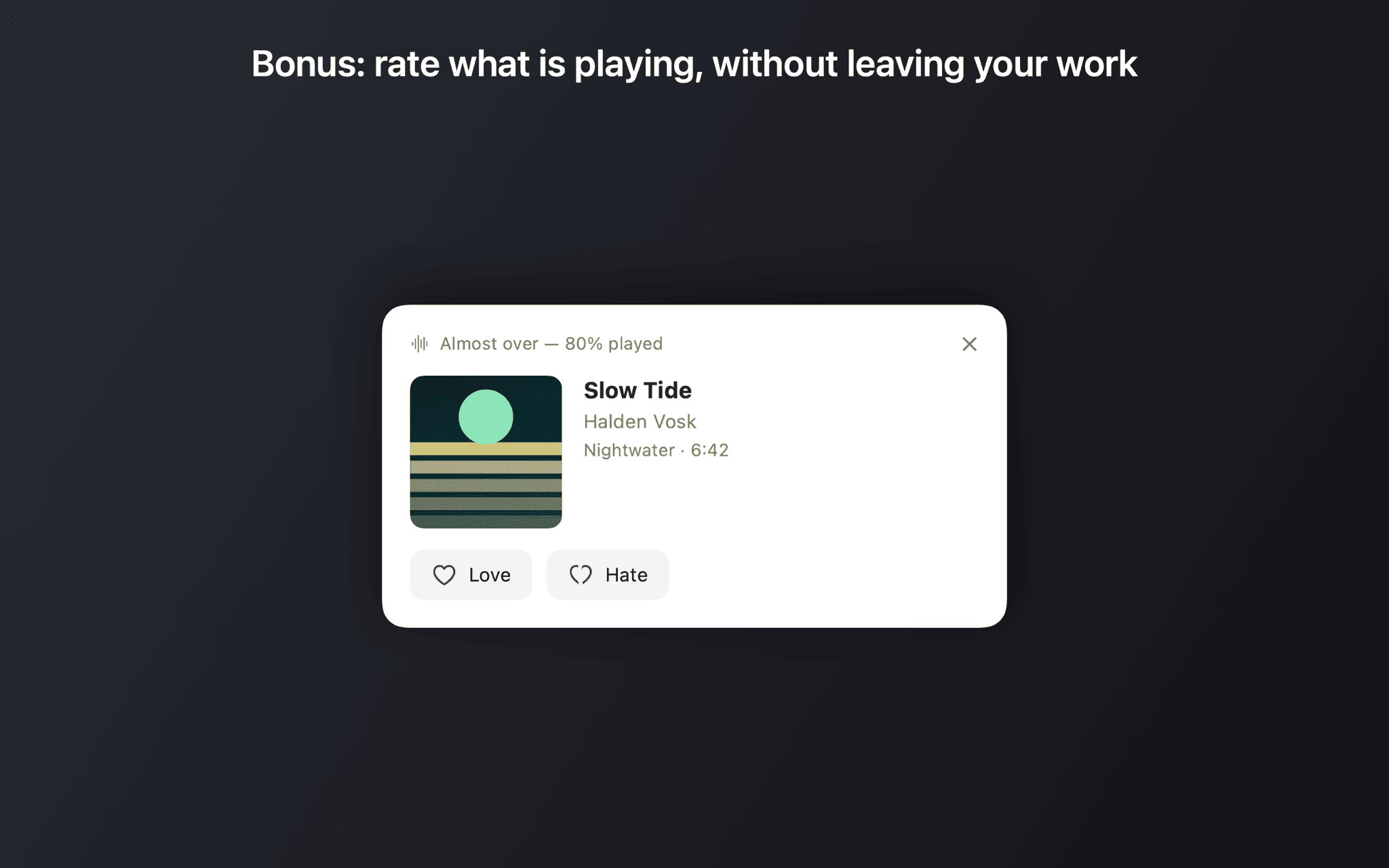
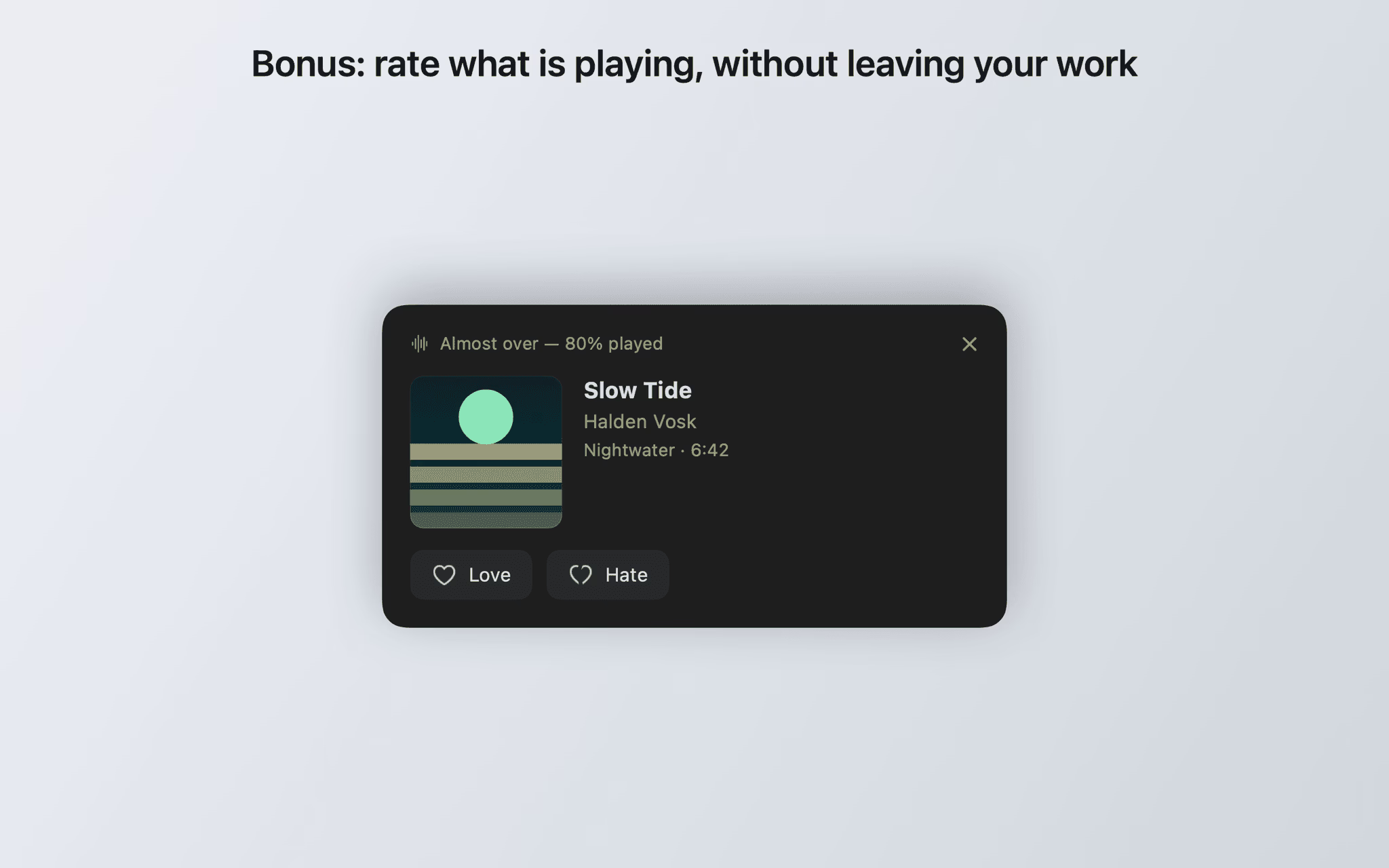
ScrobbleDock is a macOS menu bar app that uploads the listening history recorded by portable music players running Rockbox firmware to ListenBrainz. As soon as the player is connected, the app reads its .scrobbler.log file, identifies the model and Rockbox version, and submits only the tracks that have not been sent yet. It also shows the currently playing track as a small card with Love and Hate buttons.
- Developer
- Patrick Stigler
- Requirements
- macOS 14.0 or later
- Price
- €9.99 incl. VAT, one-time purchase
- Languages
- English, German, French, Spanish, Italian, Portuguese, Dutch, Japanese
- Tracking
- None
The problem it solves
Rockbox logs every track you play to a file on the player — on the move, with no connection in sight. Getting that file into ListenBrainz used to mean finding it, checking the format, running a script or a web form, and hoping nothing was submitted twice. ScrobbleDock takes over that route.
How a transfer works
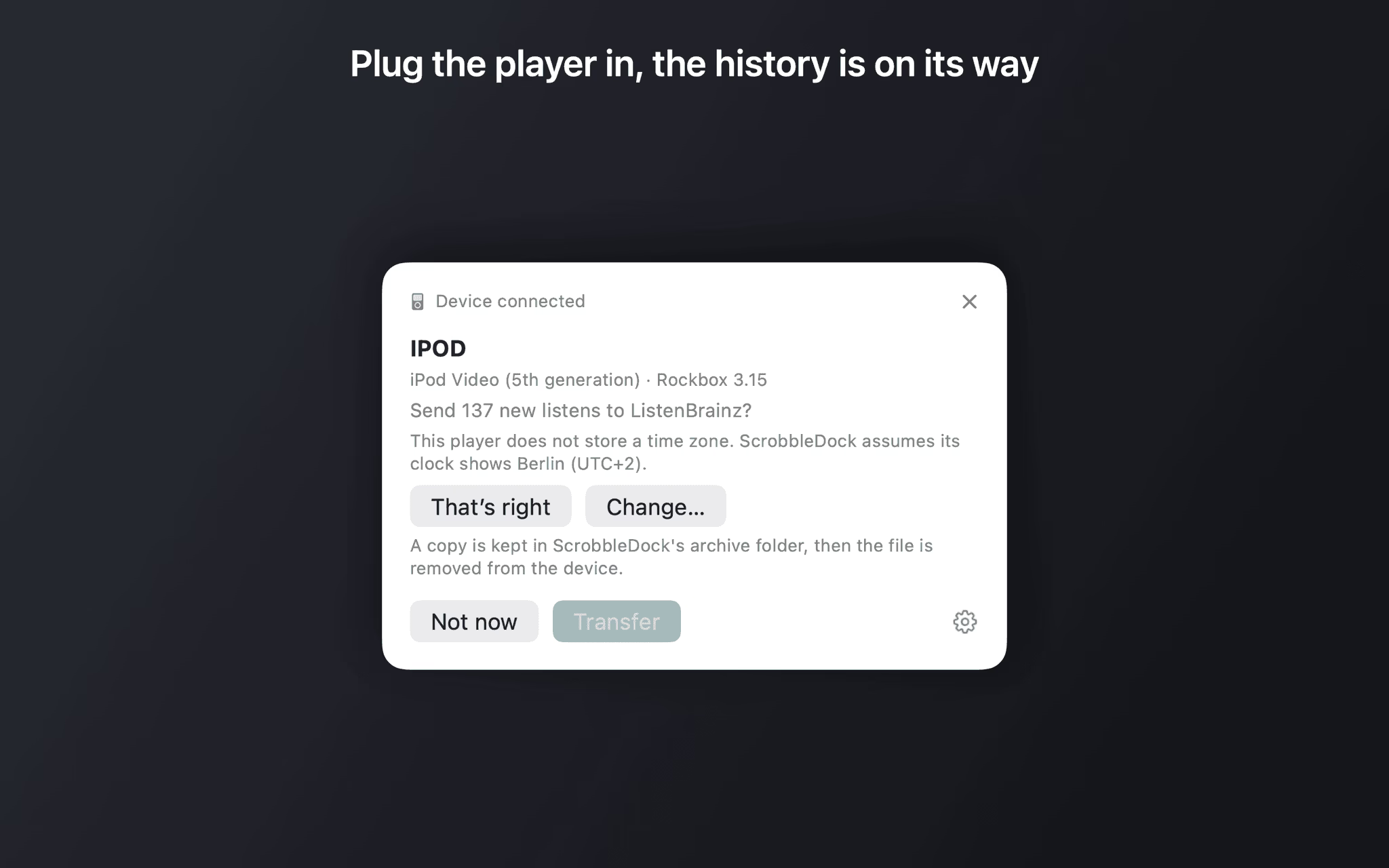
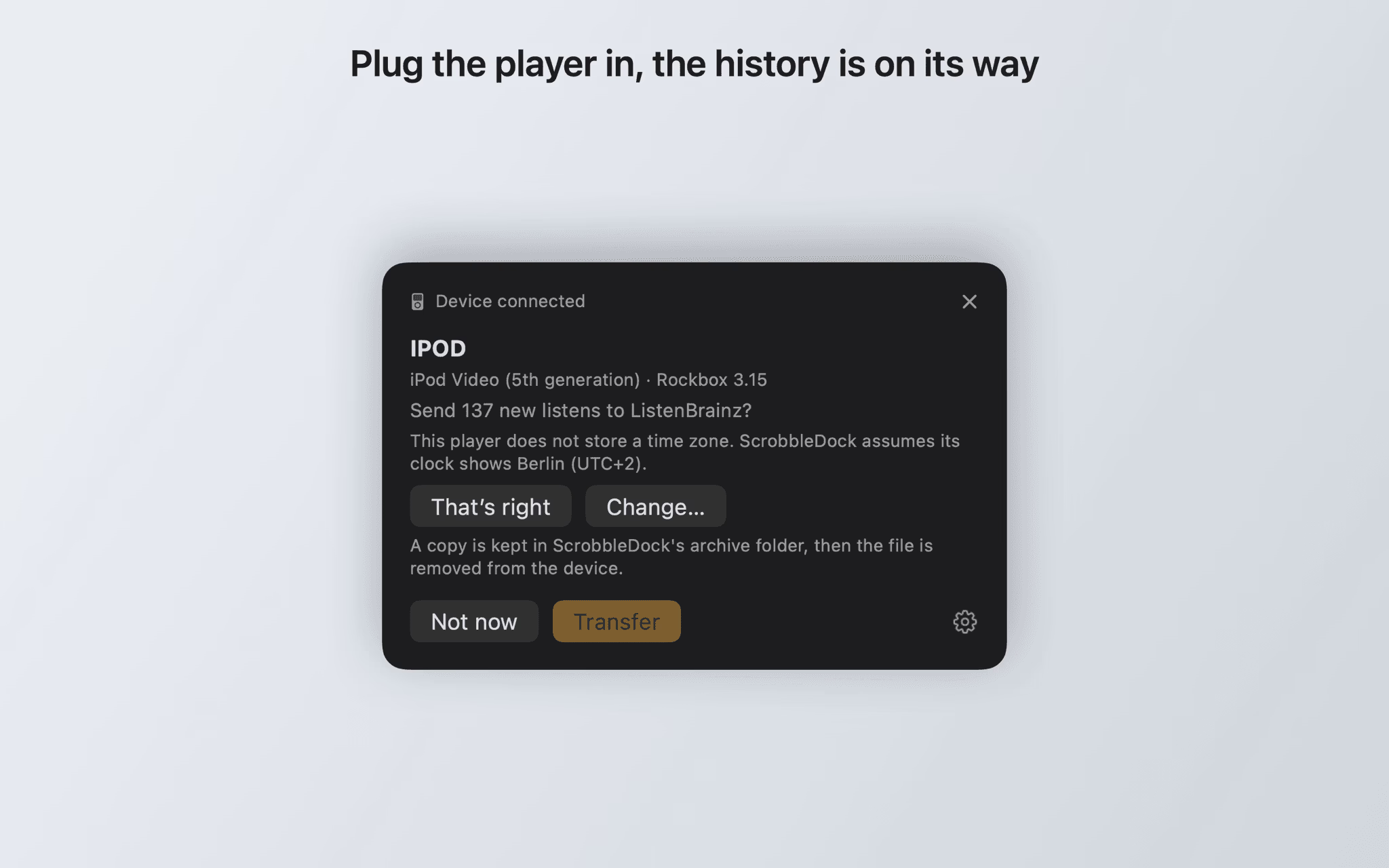
- Plug the player in. ScrobbleDock recognises it and reports how many new tracks are waiting on the device.
- Confirm the transfer — or set a device to upload straight away without asking.
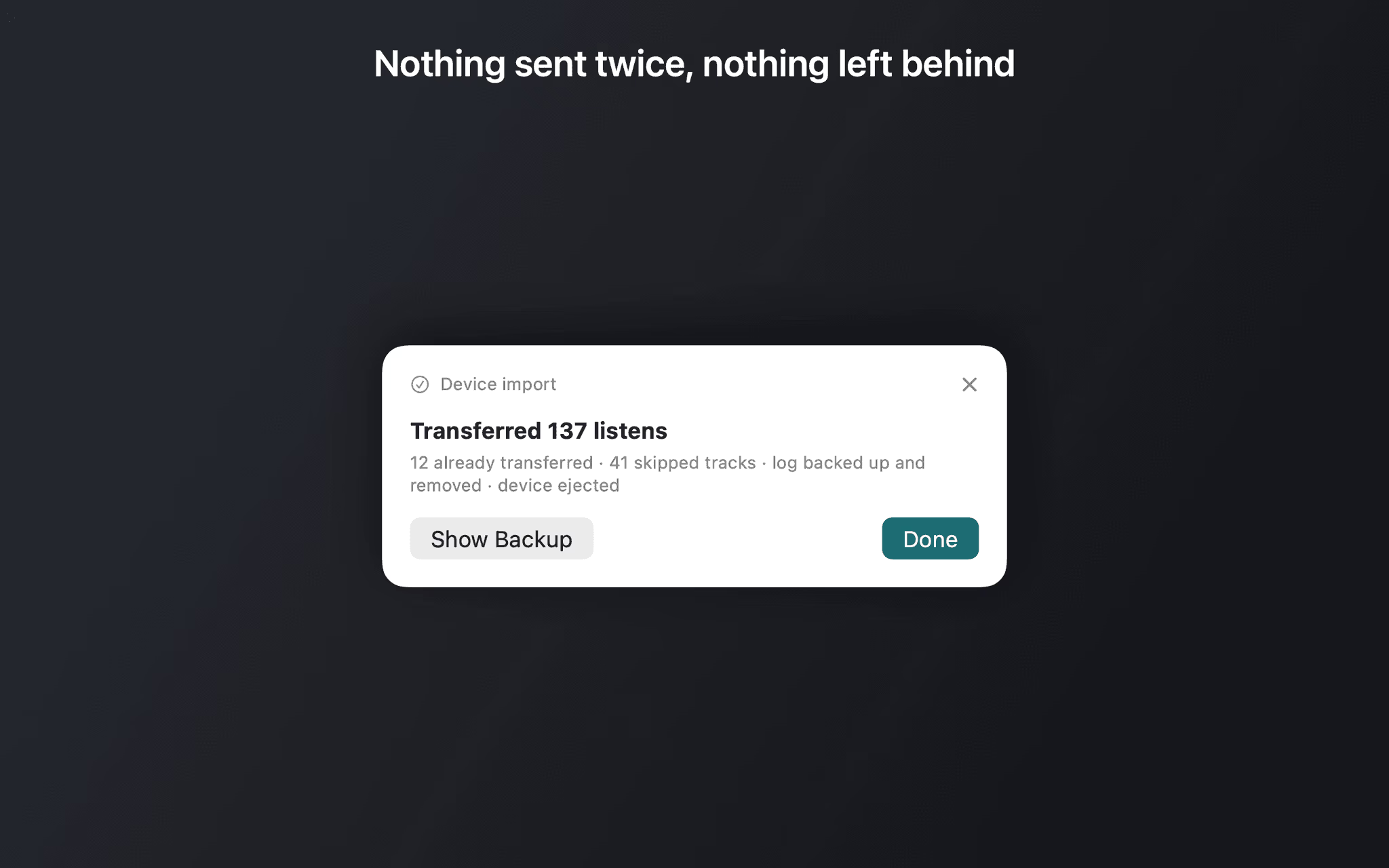
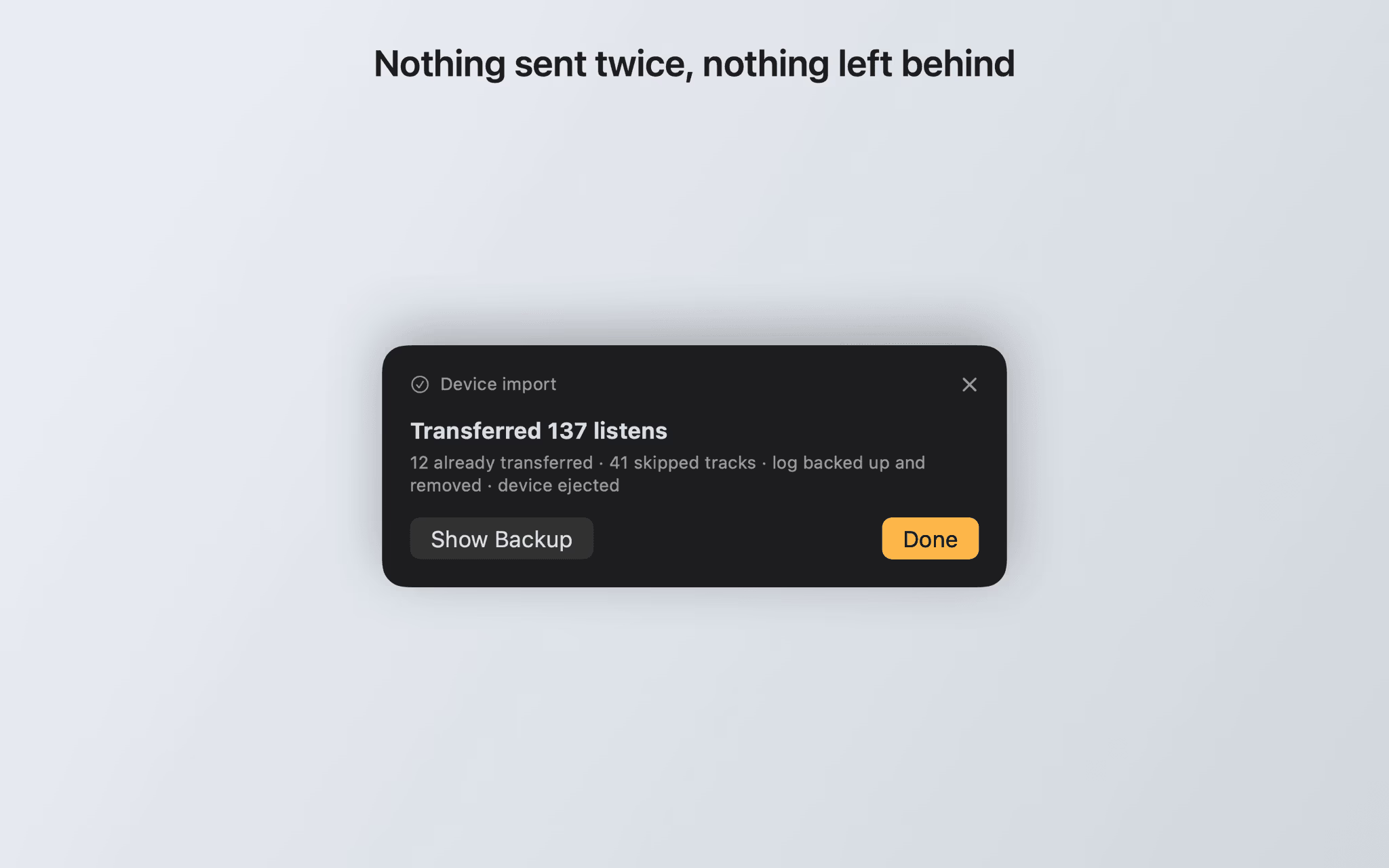
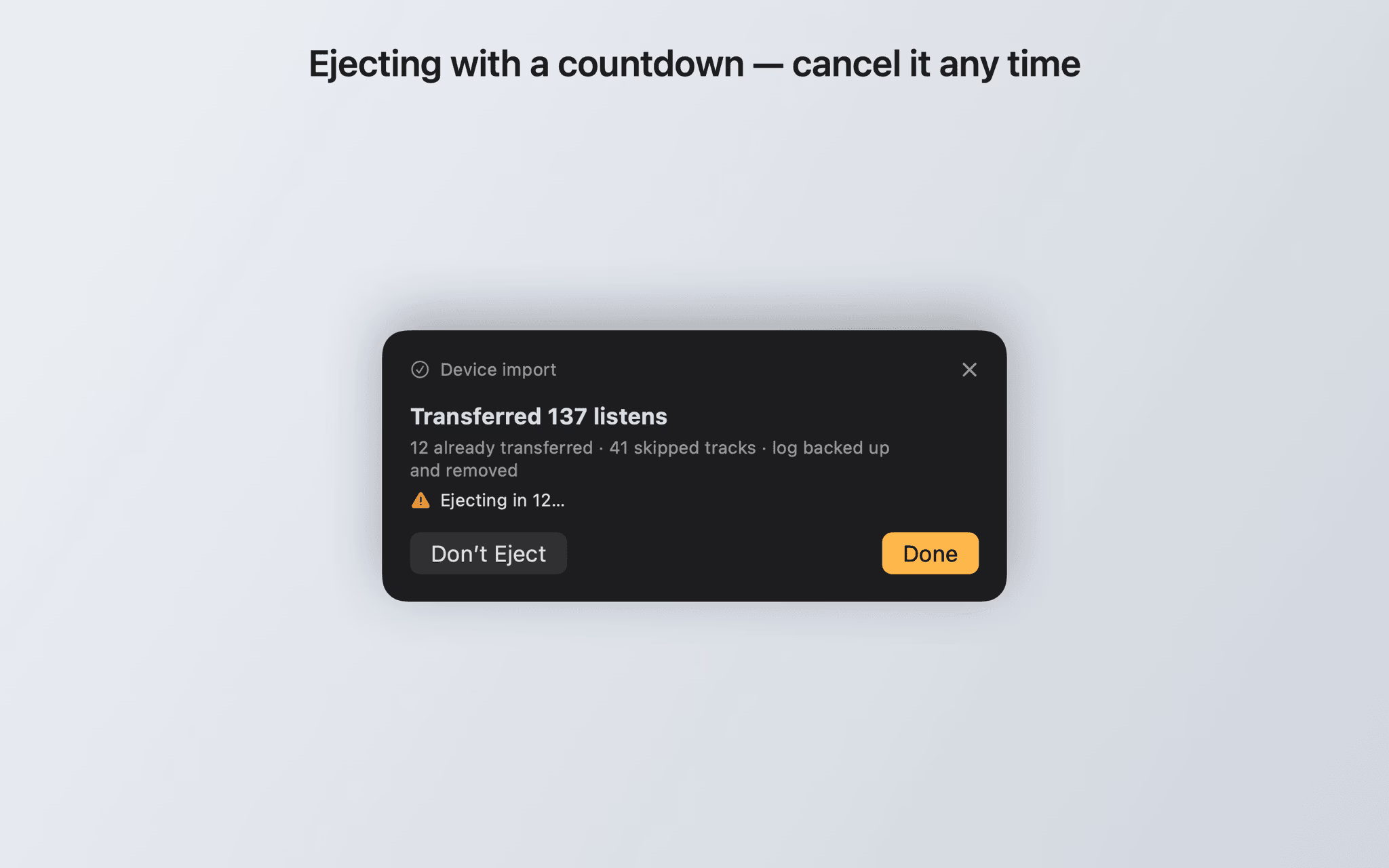
- The result reports transferred, already-known and skipped tracks. Optionally the log is archived and the player ejected afterwards.
If you want to know which files the app reads and how it avoids duplicates, the support page has the details.
ScrobbleDock versus uploading by hand
| ScrobbleDock | Uploading the log manually | |
|---|---|---|
| Finding the device | automatic on connect | search the volume yourself |
| Avoiding duplicates | watermark per device | check by hand |
| Implausible timestamps | reported and skipped | rejected, often silently |
| Cleaning up the log | keep, archive or delete | by hand |
| Ratings | straight from the menu bar | only on the website |
Requirements
macOS 14 or later, a free ListenBrainz account with a user token and — for the sync — a player running Rockbox firmware. The rating card only needs some source that already reports your current track to ListenBrainz.
Features
Plug in and done
When a removable volume appears, ScrobbleDock looks for .scrobbler.log and scrobbler.log — both in the root directory and under .rockbox/.
Never sent twice
The app keeps a watermark per device and advances it after every successful batch. Cancelling mid-import costs at most the current batch.
Your log, your rules
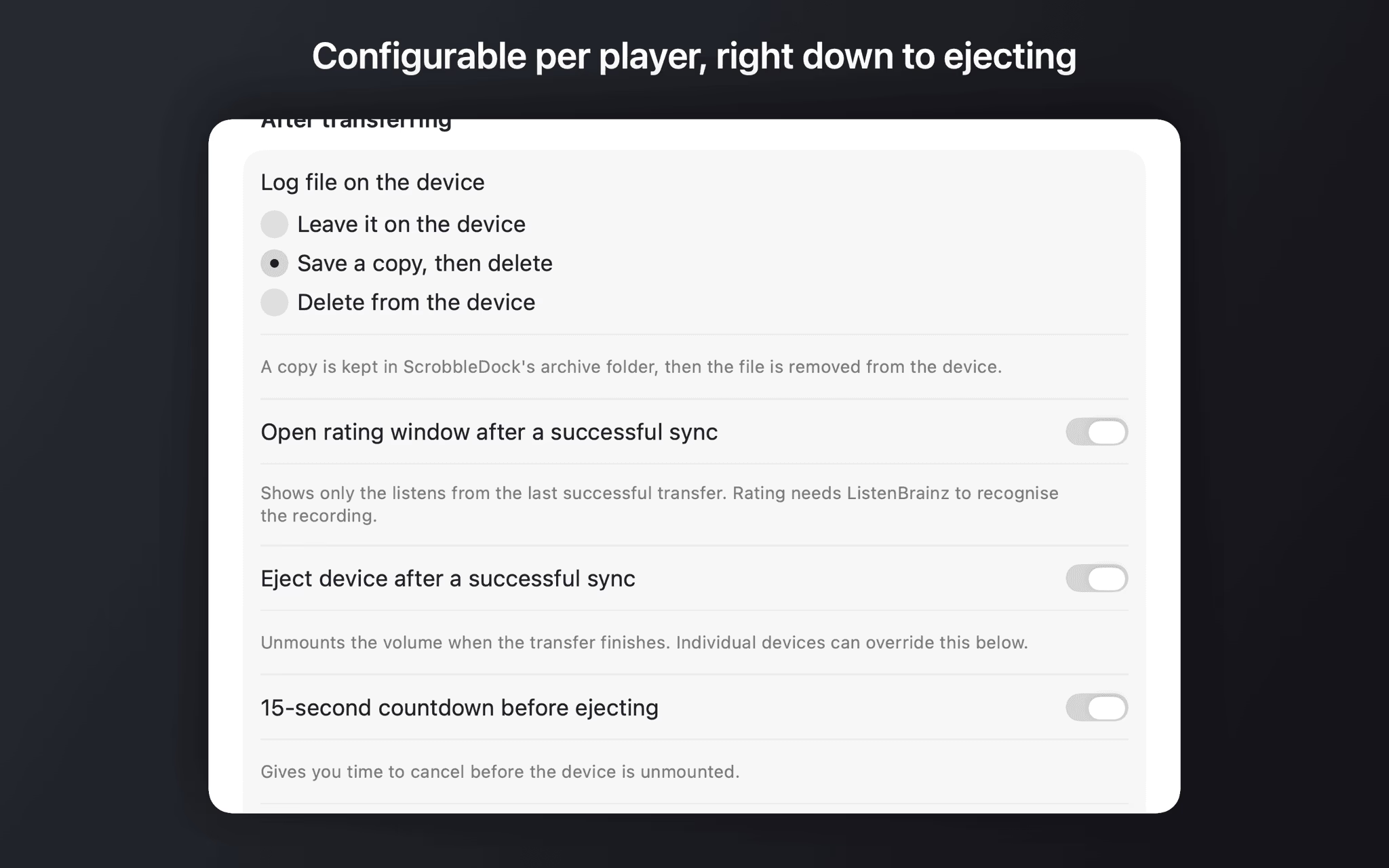
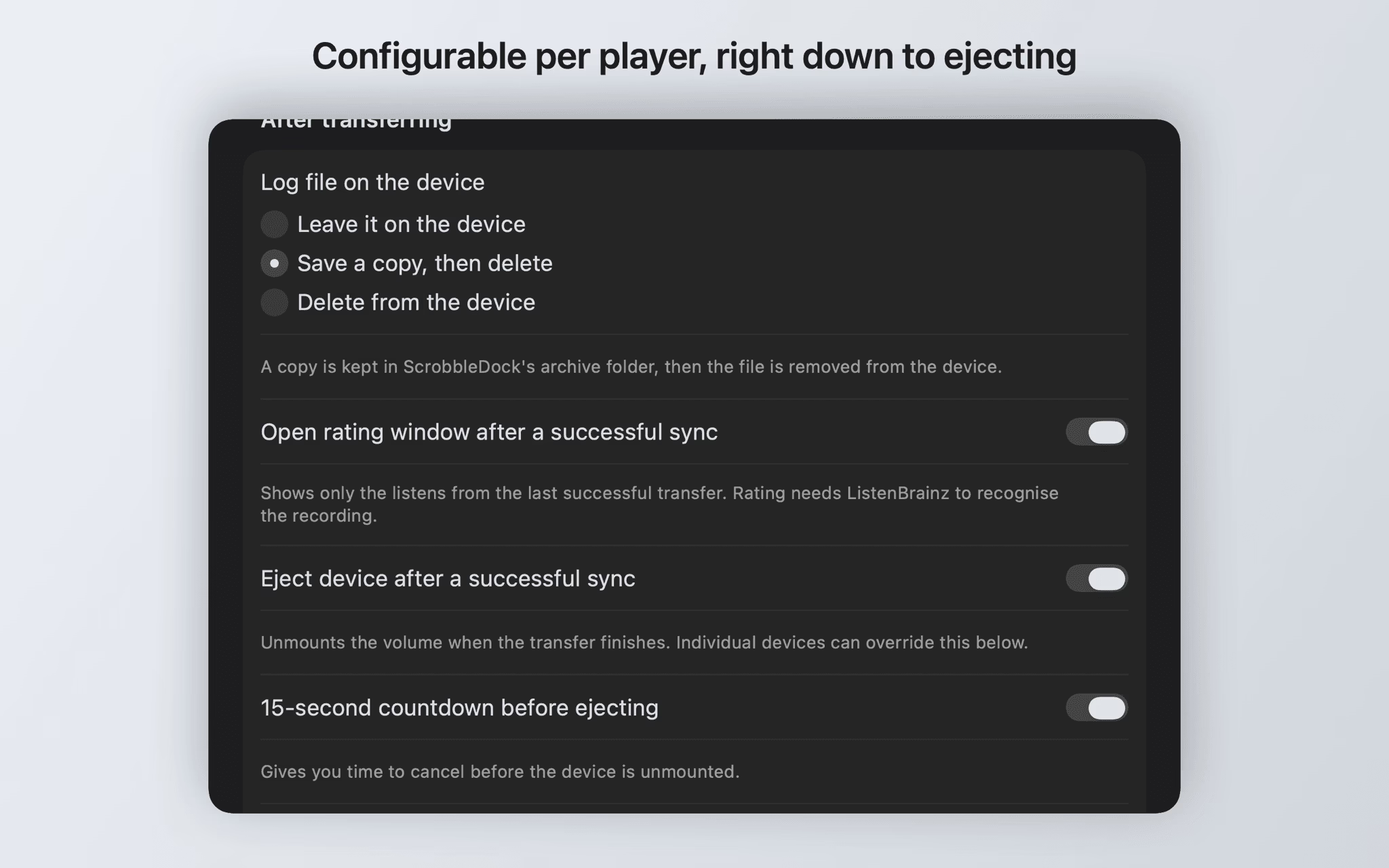
Configurable per device: leave the log in place, back it up to the archive folder and remove it from the player, or delete it.
Rating from the menu bar
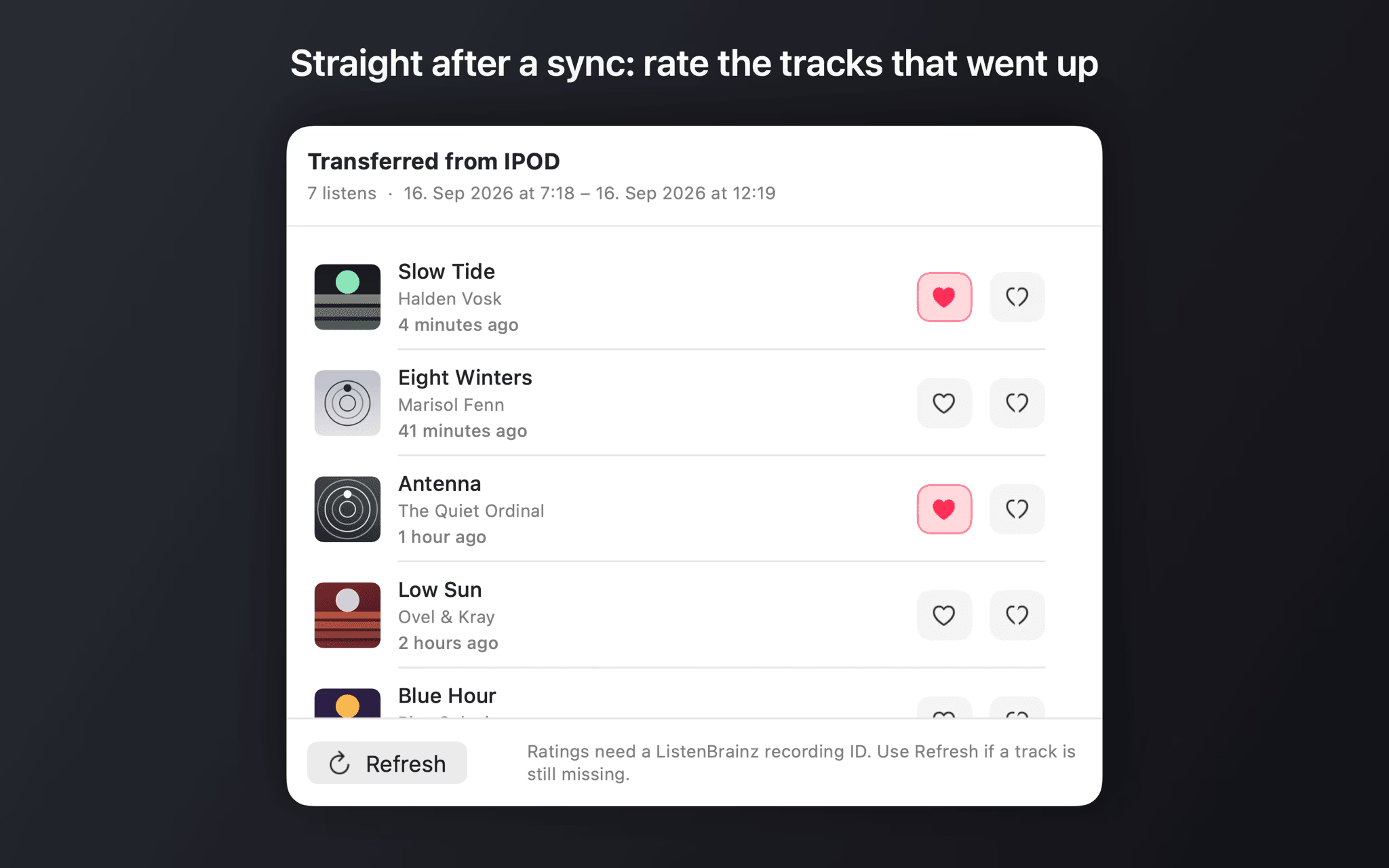
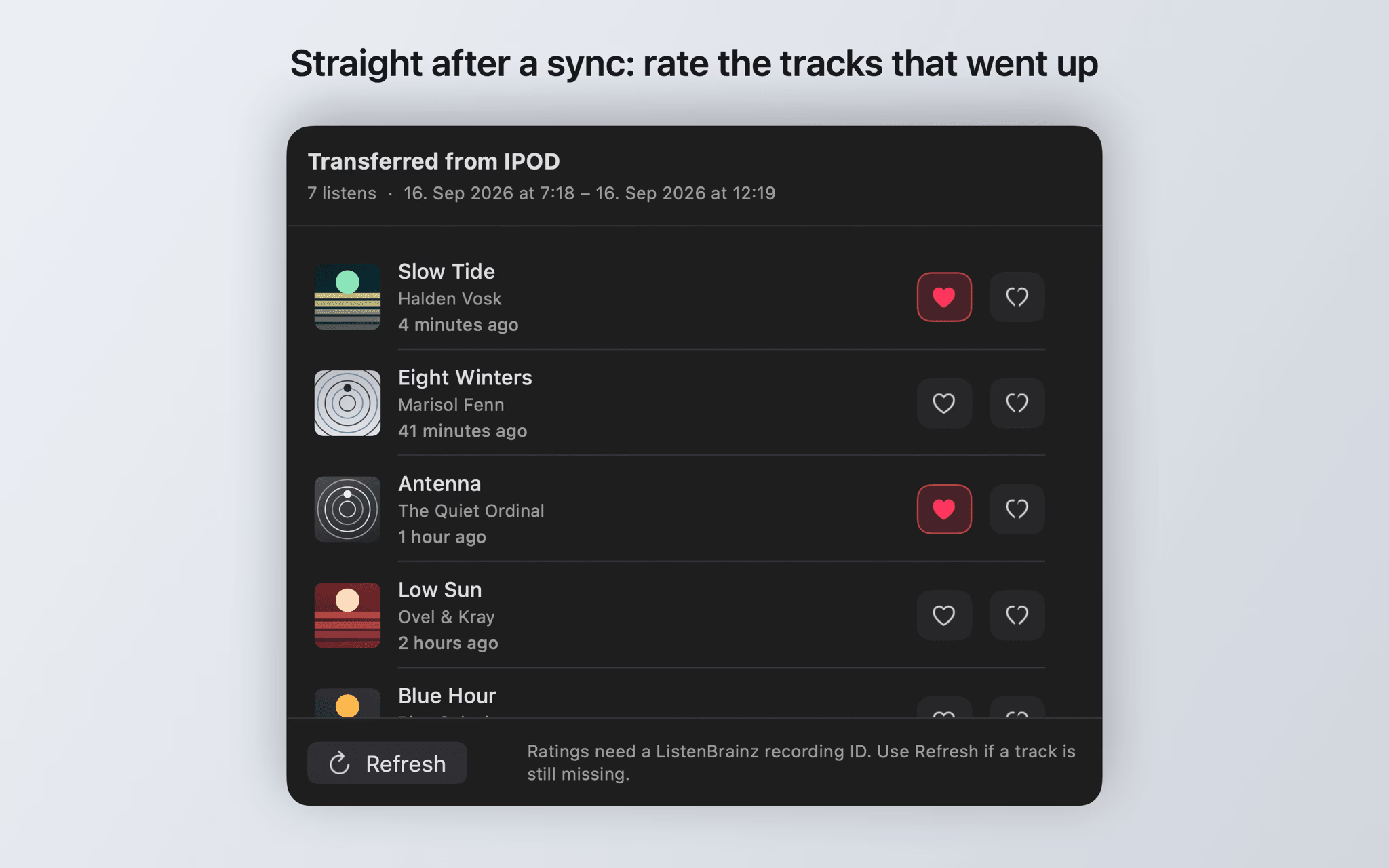
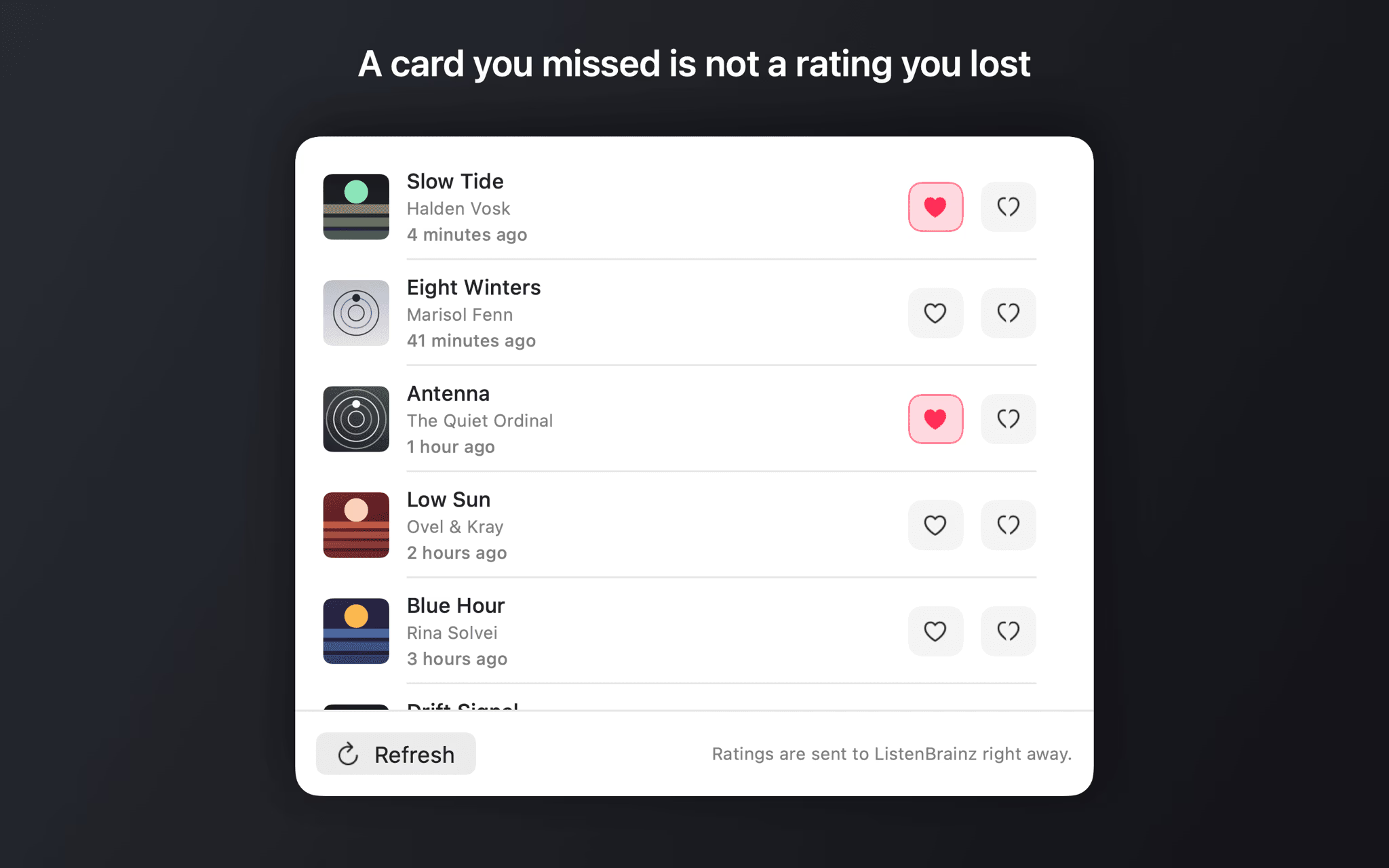
Love and Hate send score 1 and -1 to ListenBrainz. Clicking an active button again removes the rating, exactly like the web UI does.
Three moments for the card
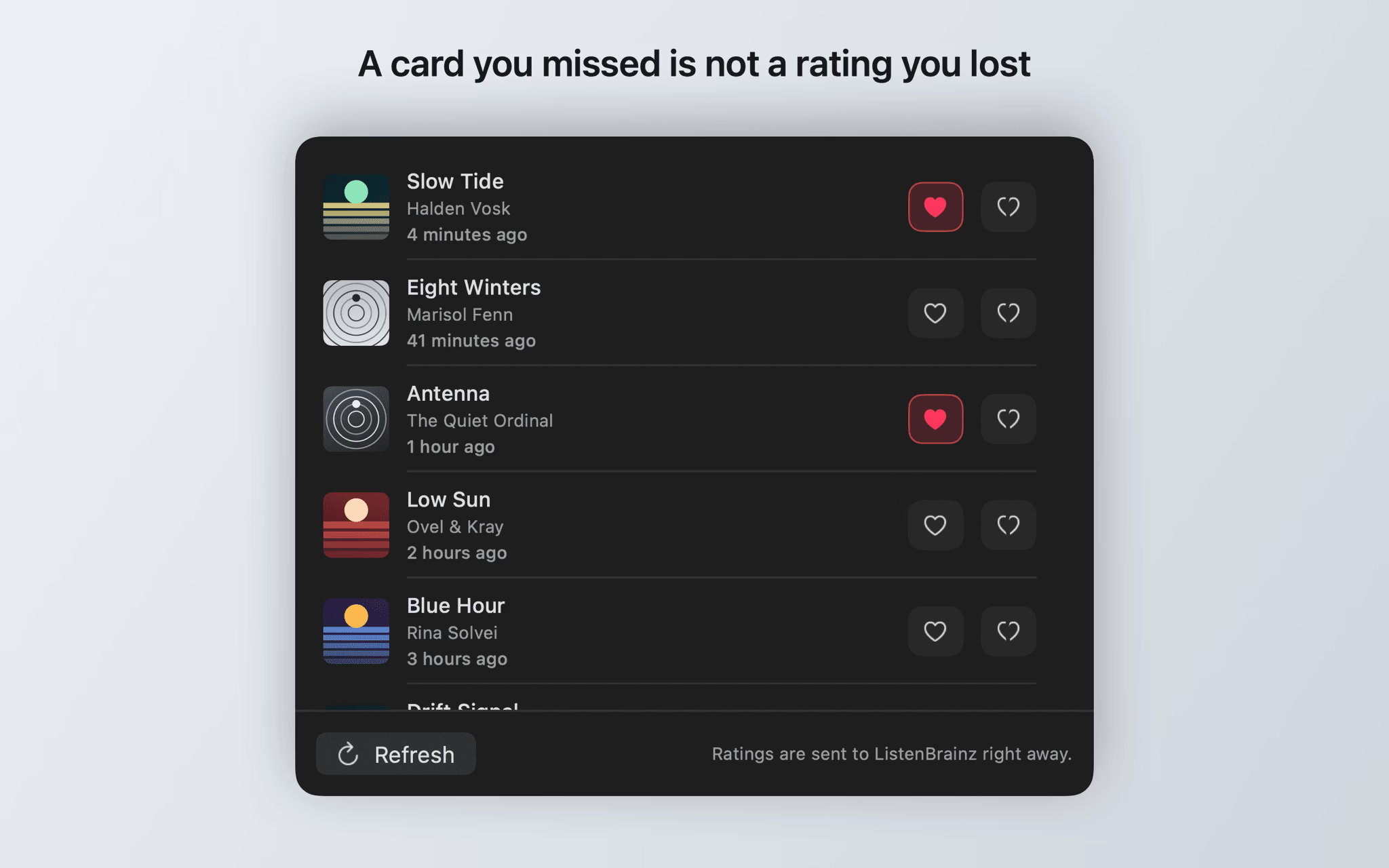
At the start of a track, shortly before it ends (80 percent of the running time by default), or after it finished. Missed tracks can be rated later from the history window.
Built for offline
Ratings made without a connection go into a persistent queue and are sent as soon as the network is back.
Eject after sync
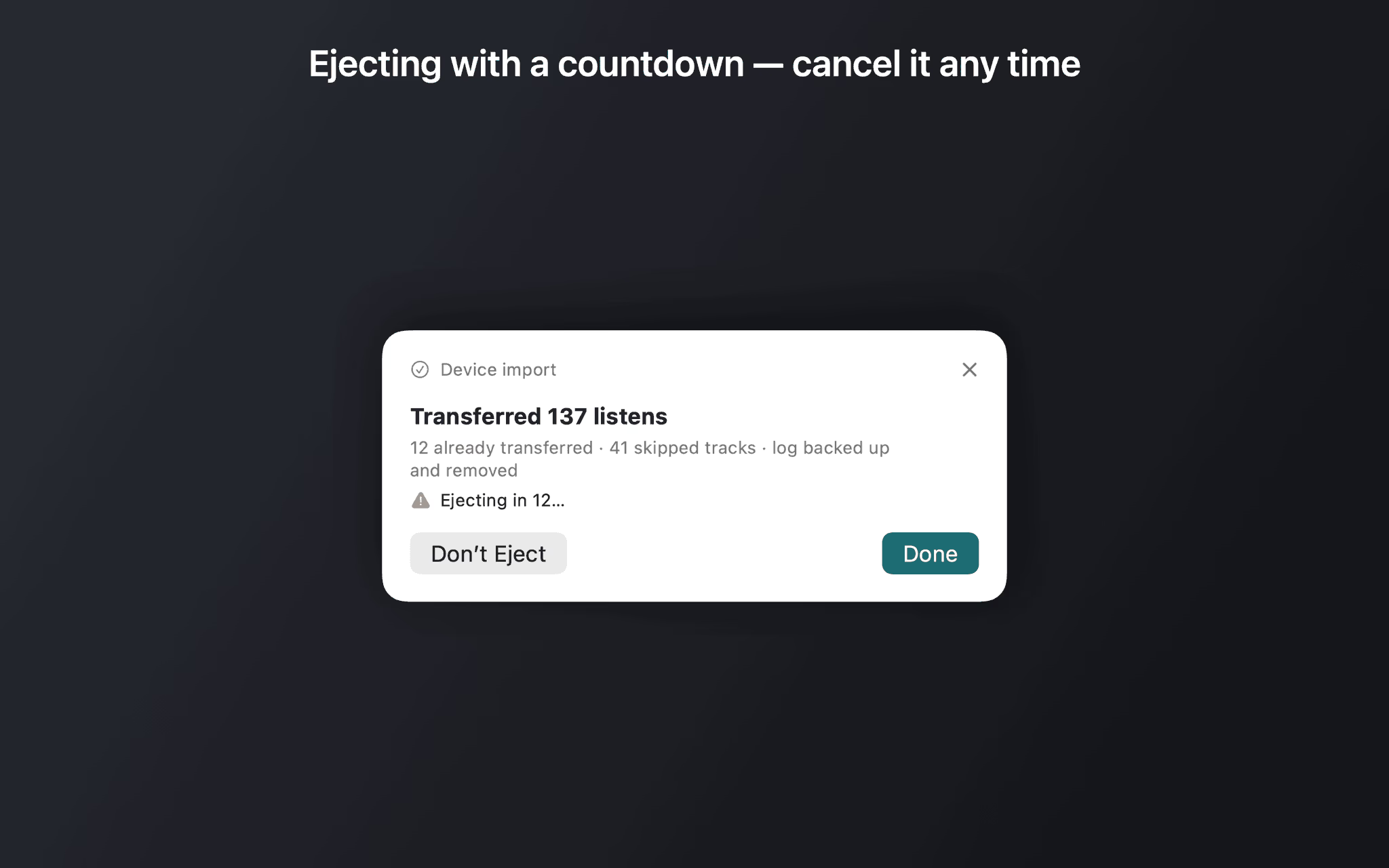
Optionally ScrobbleDock ejects the player once the transfer is done — with a 15 second countdown to cancel, configurable globally or per device.
Screenshots
ScrobbleDock is an independent, unofficial client. It is not affiliated with, endorsed by, or sponsored by the MetaBrainz Foundation, which runs ListenBrainz. Rockbox is a project of the Rockbox community.